ECOTURNO · PILOTO / PILOT / PILOTE
How EcoTurno works: electric vehicle charging turns
Learn to choose a charging queue, occupy a bay and coordinate your electric vehicle handover with EcoTurno.
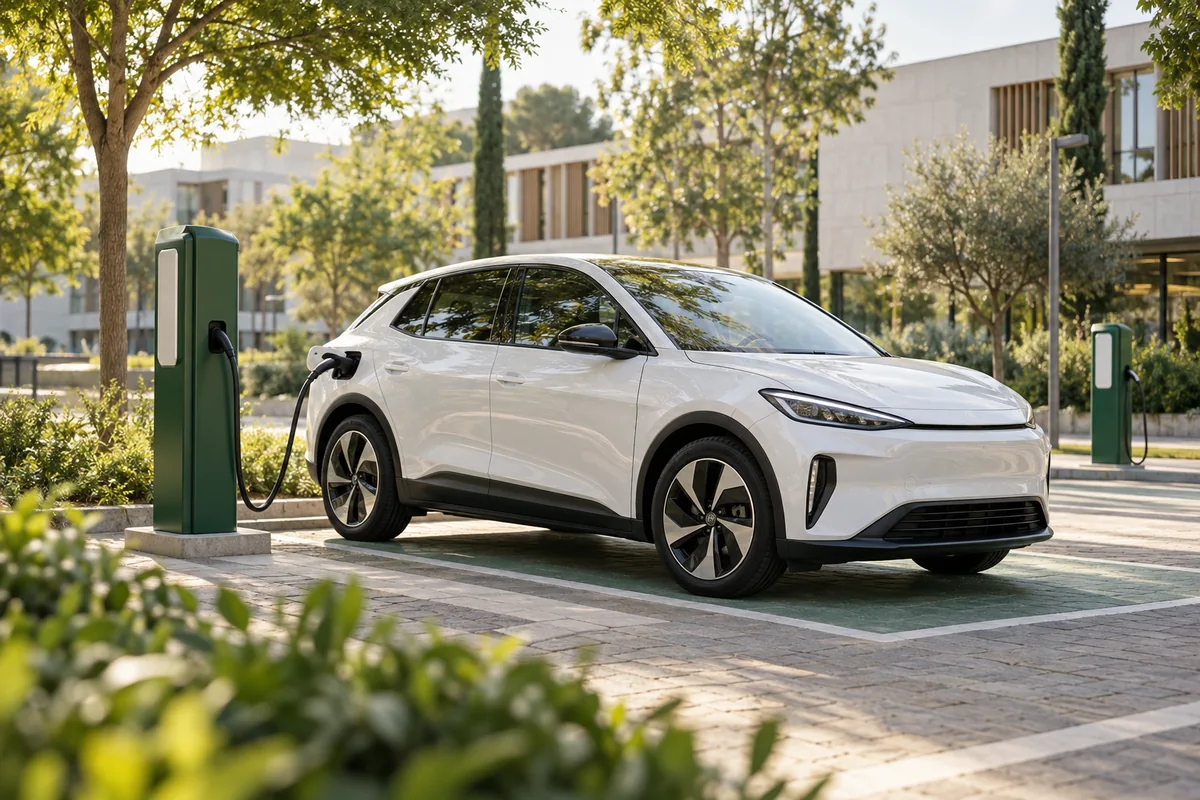
Choose a queue
Explore the homepage map without signing in. Check opening hours, areas and directions. Sign in and complete registration to use the bays. Public queues are available to approved users with active access; private queues require membership. UCJC access uses institutional email and registration is approved automatically.
Occupy a bay or wait
A bay outside management has unknown physical availability. Check on site, then confirm the bay and expected charging time after parking. If an EcoTurno occupation already exists, you can request a turn even when other bays are outside management. Only one active turn is allowed.
Coordinate the handover
The app shows the number of people ahead and an estimated start time. Report changes within the stated notice period and coordinate departure and arrival. Opening hours, proximity and time limits depend on the location. Estimates do not guarantee a free bay.
Use it on your phone
On iPhone, open EcoTurno in Safari and choose Share → Add to Home Screen. On Android, open it in Chrome and choose Install app or Add to Home Screen. Notifications are optional and can be enabled in your account.